Shooting Mode
 Shutter Priority (Tv)
 Aperture Priority (Av)
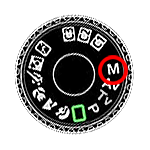 Manual (M)
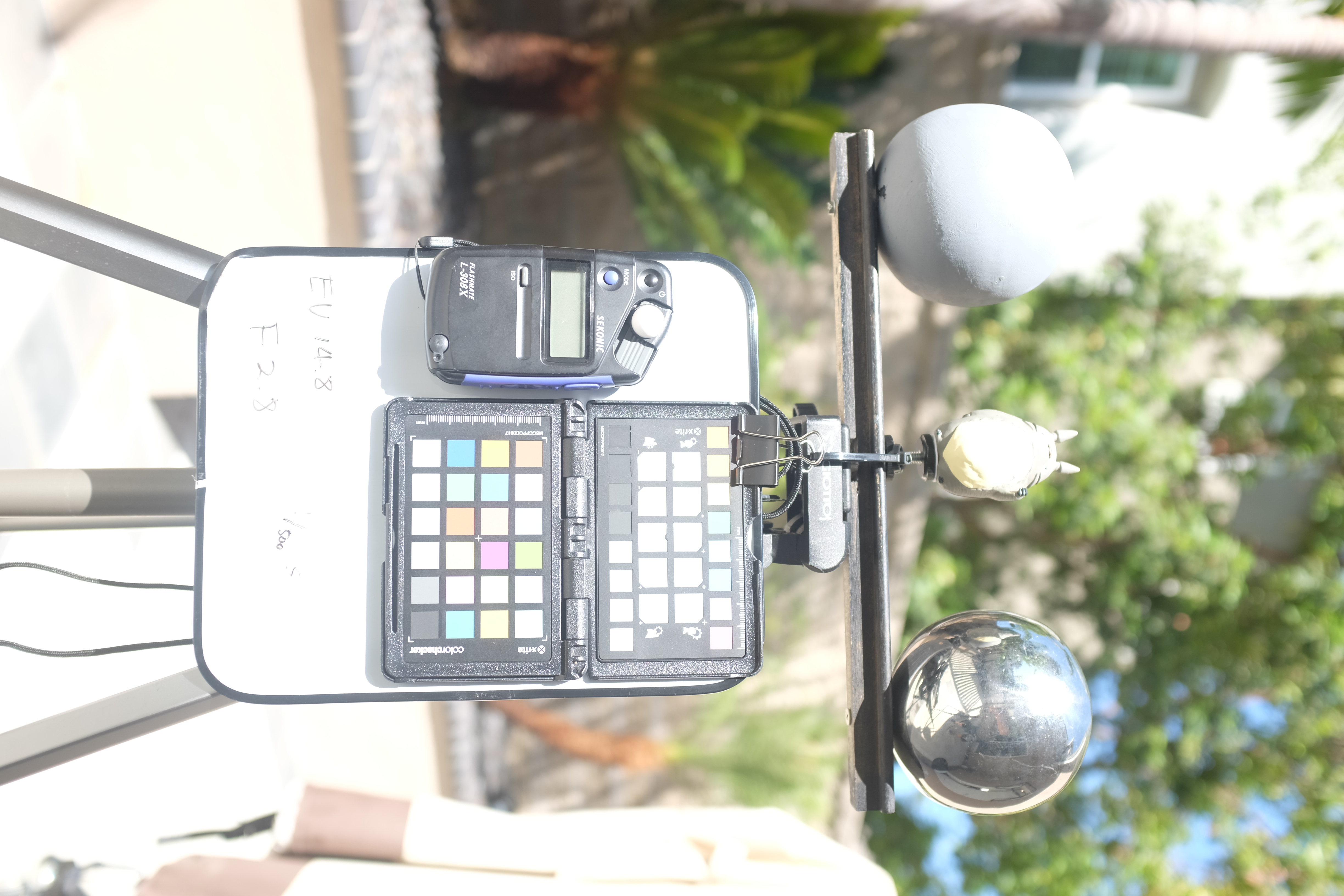
image unavailable
Expected exterior_EV0…15.JPG inside exposure_simulator_files/ — the frame for the current EV100 value is shown here.
Camera Settings
Shutter Speed:
 Slower ← → Faster

F-Stop / Aperture:
 Wider ← → Narrower

Current Exposure Value (EV100)
f-stop →